Your brain's junk drawer, but organized.
One keystroke on desktop. One tap on your phone. Forgotten until you need it.
Free. No sign-up. Lives in every new tab.
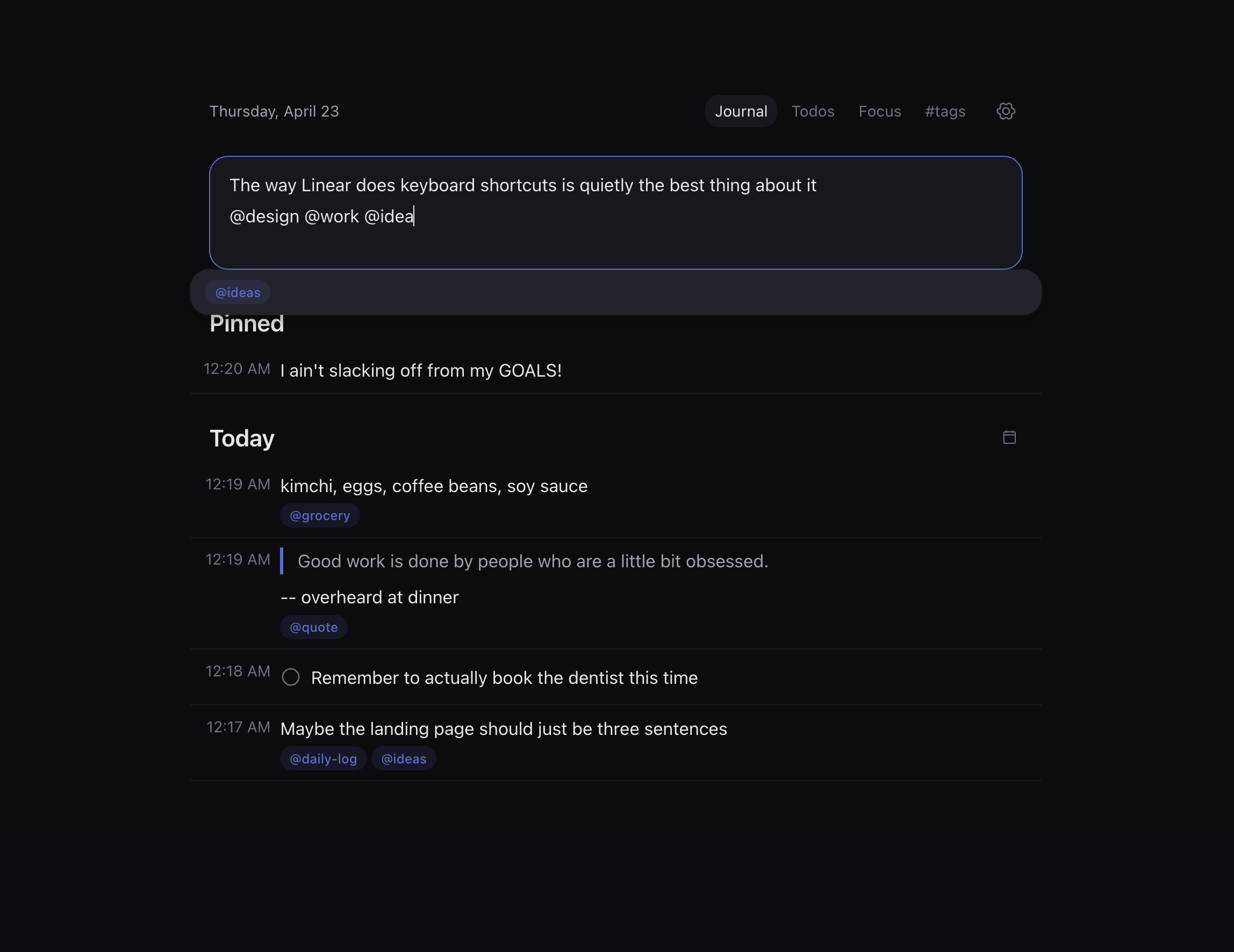
Every great thought dies in a Notes doc called "untitled."
Sticky notes get lost. Notion takes ten minutes to set up. Apple Notes is a graveyard. Most ideas don't survive the friction.
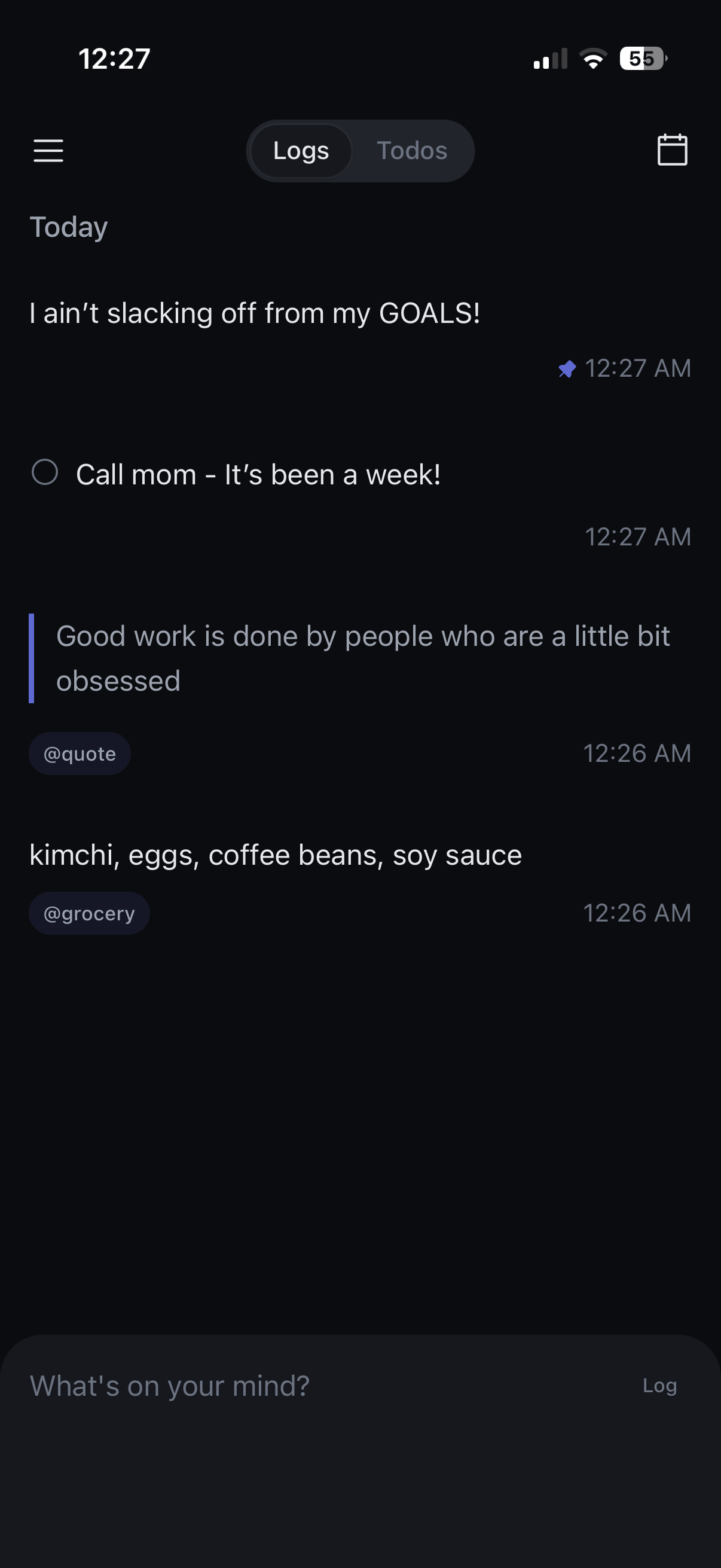
On your phone
when the idea hits.
Daily Log isn't a big-ceremony app. Same log, same tags, same muscle memory — on the device that's already in your hand at the concert, on the train, in bed.
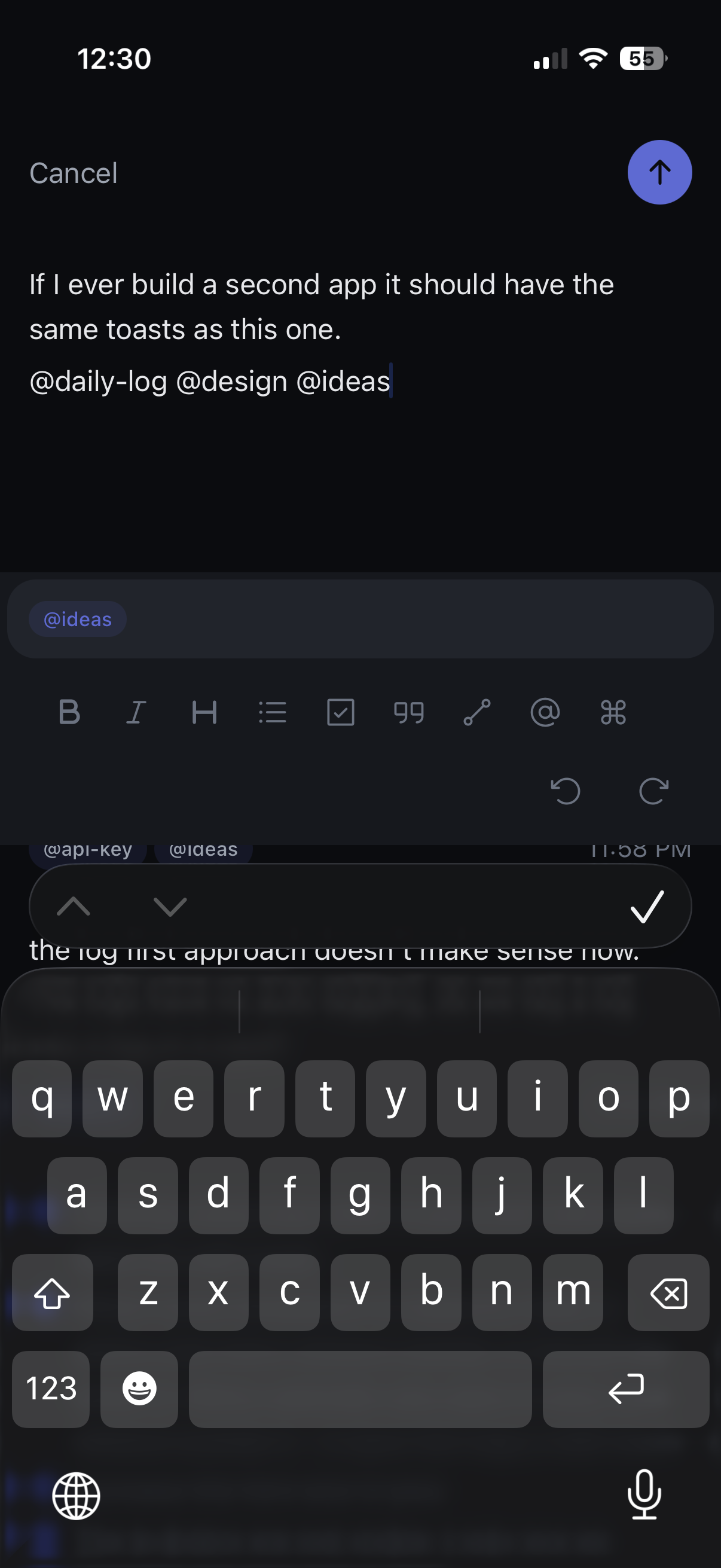
Thought in.
Done.
Type what you're thinking. Drop an @tag anywhere in it. Hit send. The whole interaction is designed to vanish, so the thought can move from your head to somewhere safe without taking your attention with it.
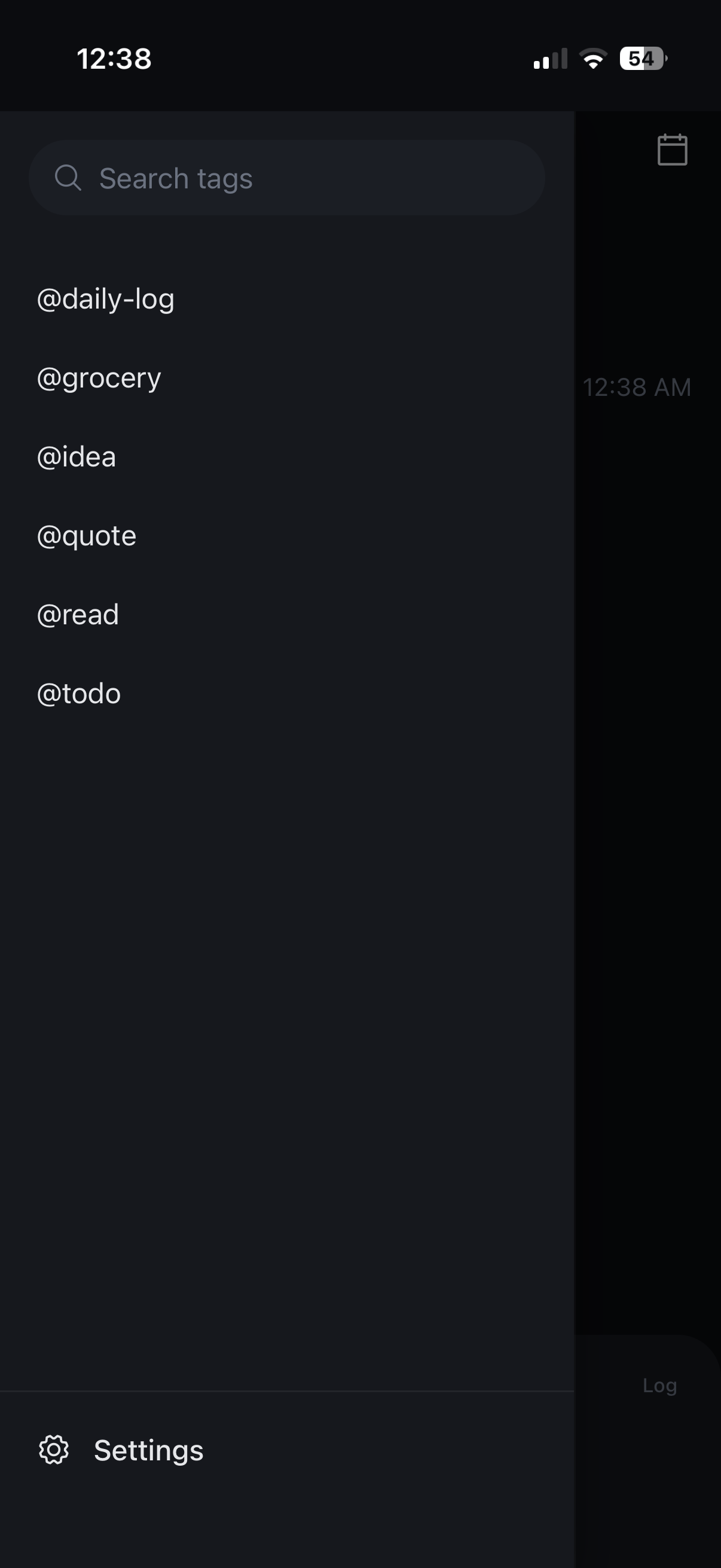
Finds what you
forgot you wrote.
Every @tag becomes a filter. Every log becomes searchable. Open the tag drawer and scan months of thinking in one glance — @idea, @read, @todo, whatever shape your brain takes.
Looks how you want it to.
Four of eight themes. One keystroke to switch. The whole app follows — editor, toasts, command palette, every pixel.
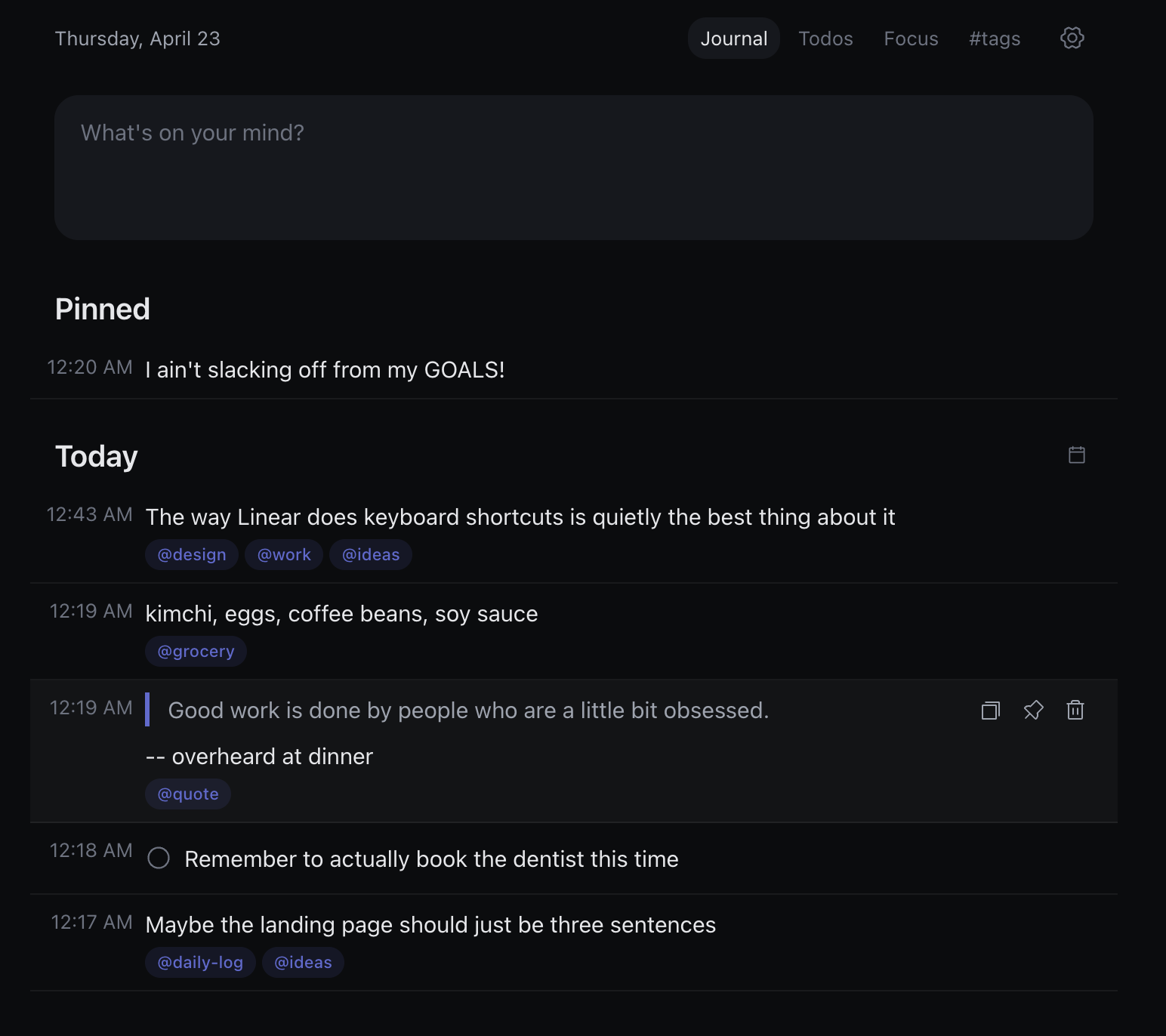
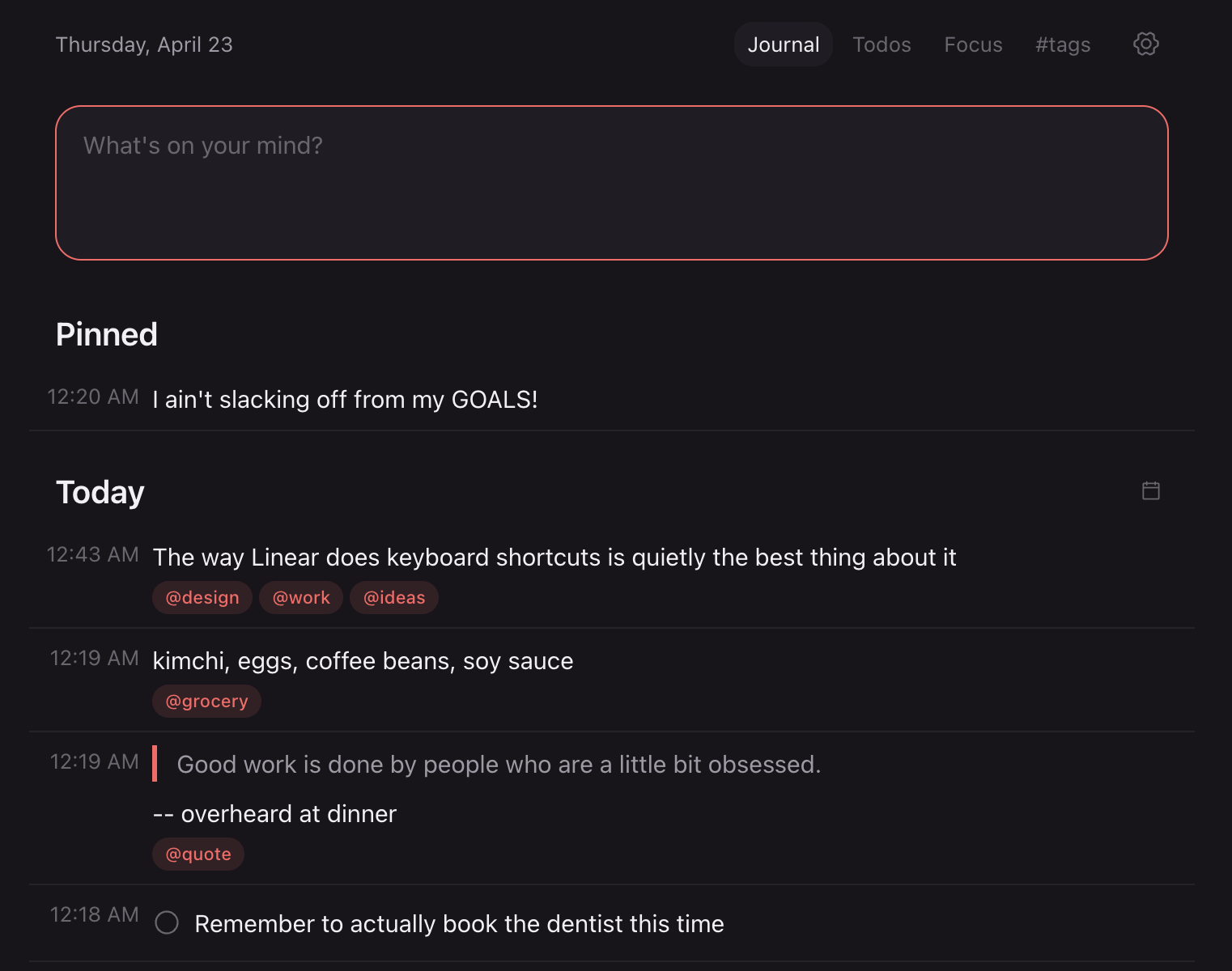
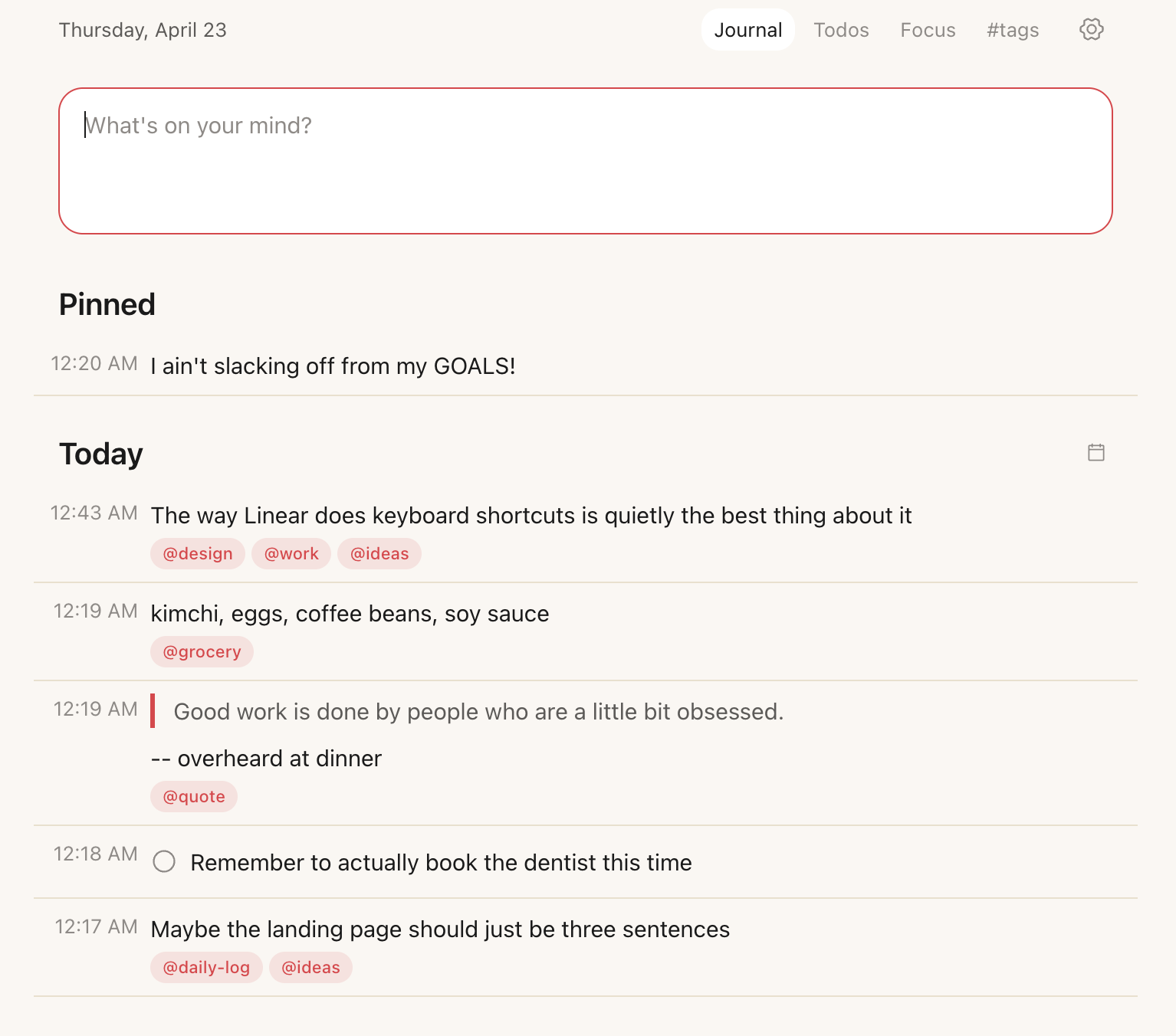
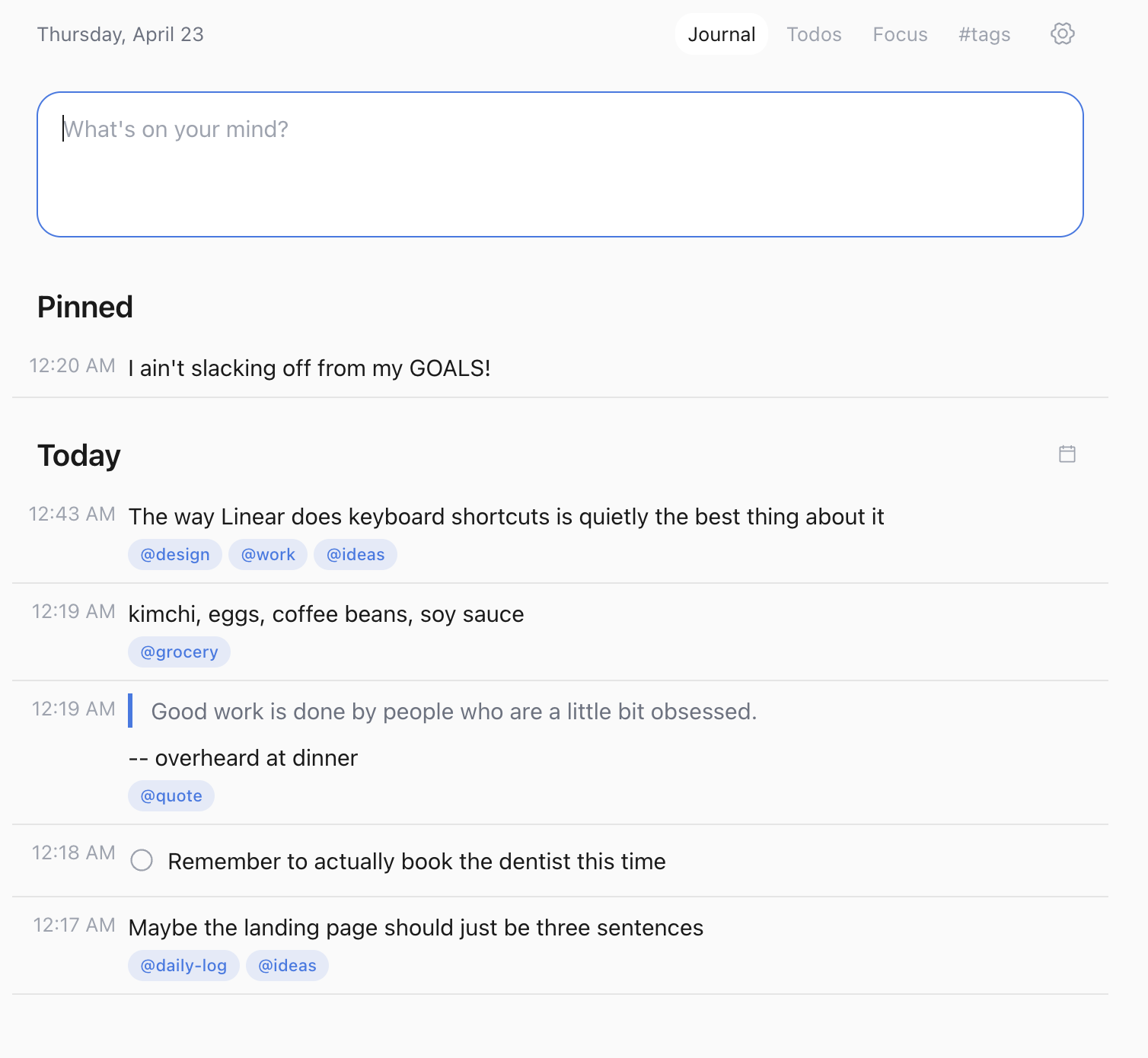
- Not a second brain.
- Not a project manager.
- Not a Notion template to set up on Sunday.
Just type. You can find it later.
Before you ask.
-
What is Daily Log?
Daily Log is a keyboard-first mental offloading tool. Capture thoughts in one keystroke, tag them with @tag, retrieve them with Cmd+K. It runs as a Chrome extension on desktop and a progressive web app on iOS and Android.
-
How is Daily Log different from Notion or Apple Notes?
It isn't a second brain, a project manager, or a workspace. There's nothing to set up, no templates to configure, no folders to organize. You just type. Tags happen inline. Retrieval is Cmd+K. That's the whole system.
-
Is Daily Log free?
Yes. No subscription, no account required to start using it. Optional Google sign-in enables cross-device sync between the Chrome extension and the mobile PWA.
-
Does Daily Log work on iPhone and Android?
Yes. Visit log-pwa.liri.today on your phone and tap Add to Home Screen. It installs as a standalone app with offline support on both iOS and Android.
-
Does it work offline?
Yes. Both the extension and the PWA are offline-first. You can capture, tag, and retrieve without a connection. Changes queue locally and sync when you are back online.
-
Do I need an account?
No — not to use it. Local capture works out of the box. Sign in with Google only if you want the same log to follow you across devices.
Two places. One log.
Lives in every new tab on Chrome. Installs on your phone in a tap.
Free. Offline-first. No account required.